Automated Lead Follow-Up
Never let a lead go cold
Send a follow-up the moment a lead clicks, opens, or replies. Trigger texts, assign tasks, or nudge reps to act—so leads stay warm and conversations keep flowing.
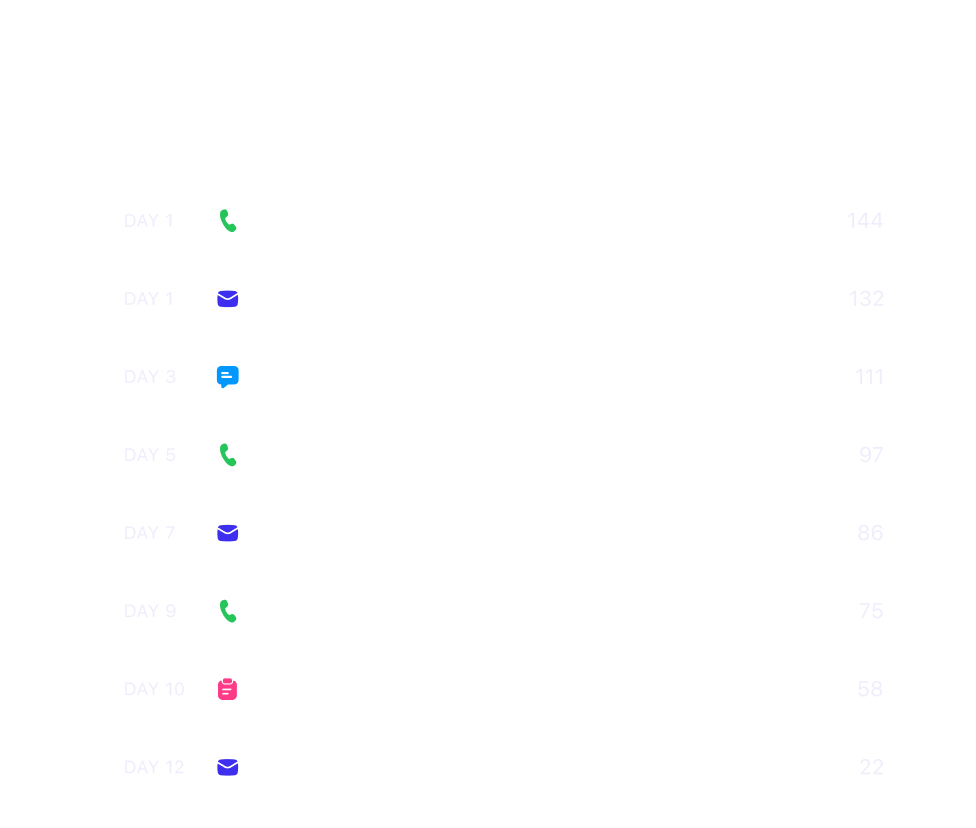
Stop babysitting your CRM. Close automates manual, repetitive tasks so you can focus on closing deals.
No credit card required · Rated 4.7 on G2 · 11,500+ teams
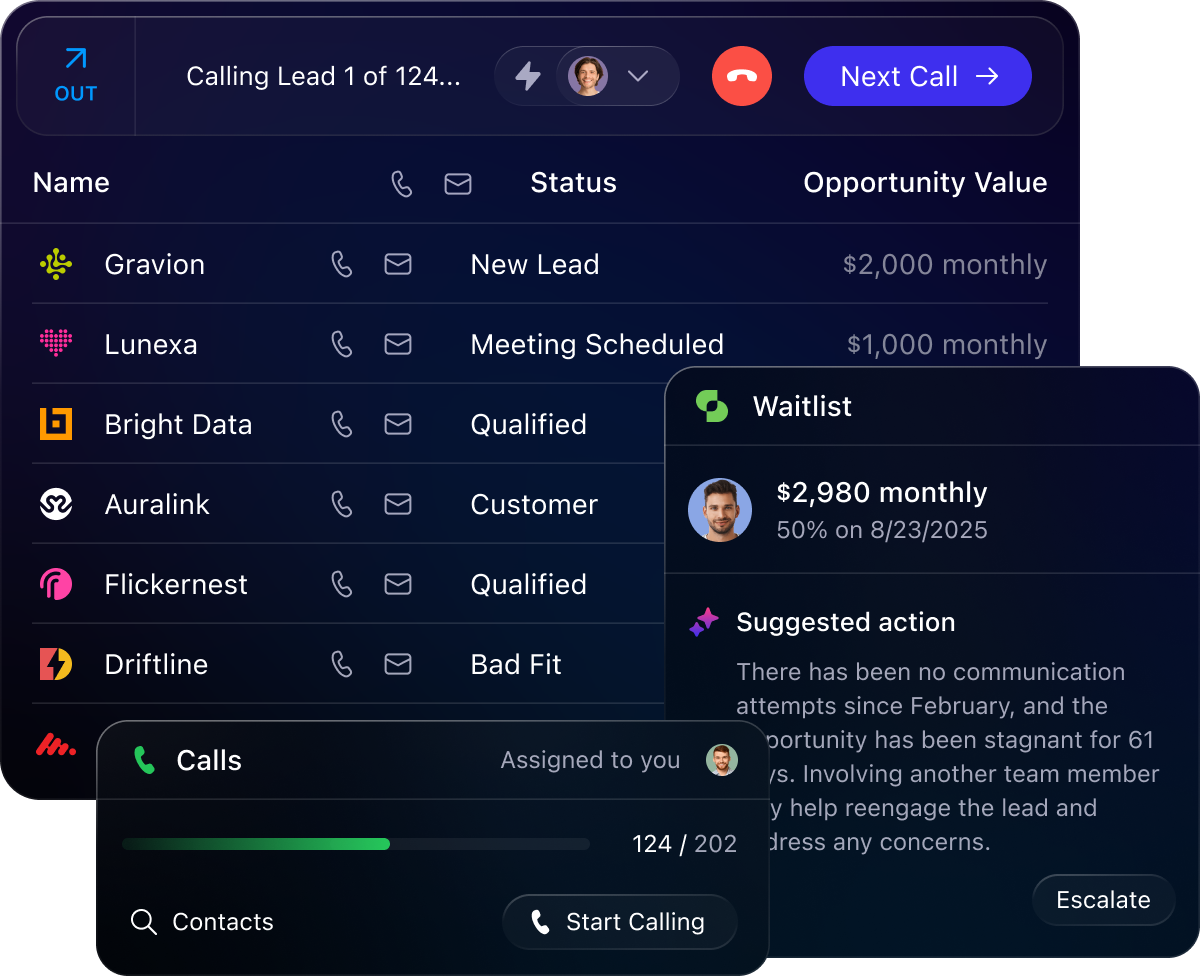
Your CRM should be more than just a digital filing cabinet. That's why Close's automations help you sell faster and smarter.
Capture and engage leads right away to improve speed-to-lead.
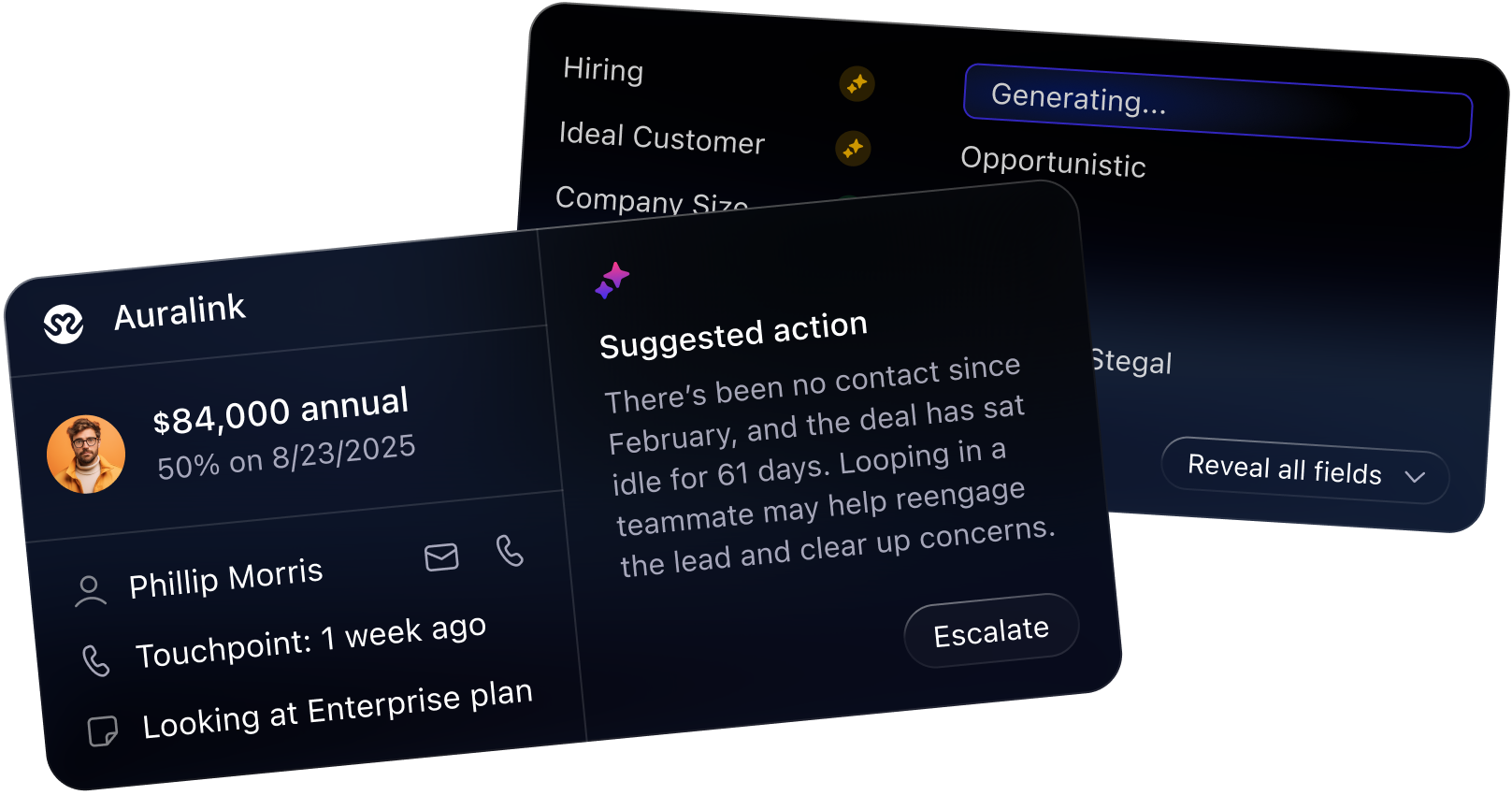
Spot deal slowdowns and take action with tasks and automations.
Automate data entry, communication, CRM admin, tasks, and more.
Create workflows to stop leads from slipping through the cracks.

Automated Lead Follow-Up
Send a follow-up the moment a lead clicks, opens, or replies. Trigger texts, assign tasks, or nudge reps to act—so leads stay warm and conversations keep flowing.
Pipeline Automation
Automatically create Opportunities, update fields, ping AEs, update Leads, or send follow-up reminders when deals stall. Keep your pipeline clean and your close rate climbing.
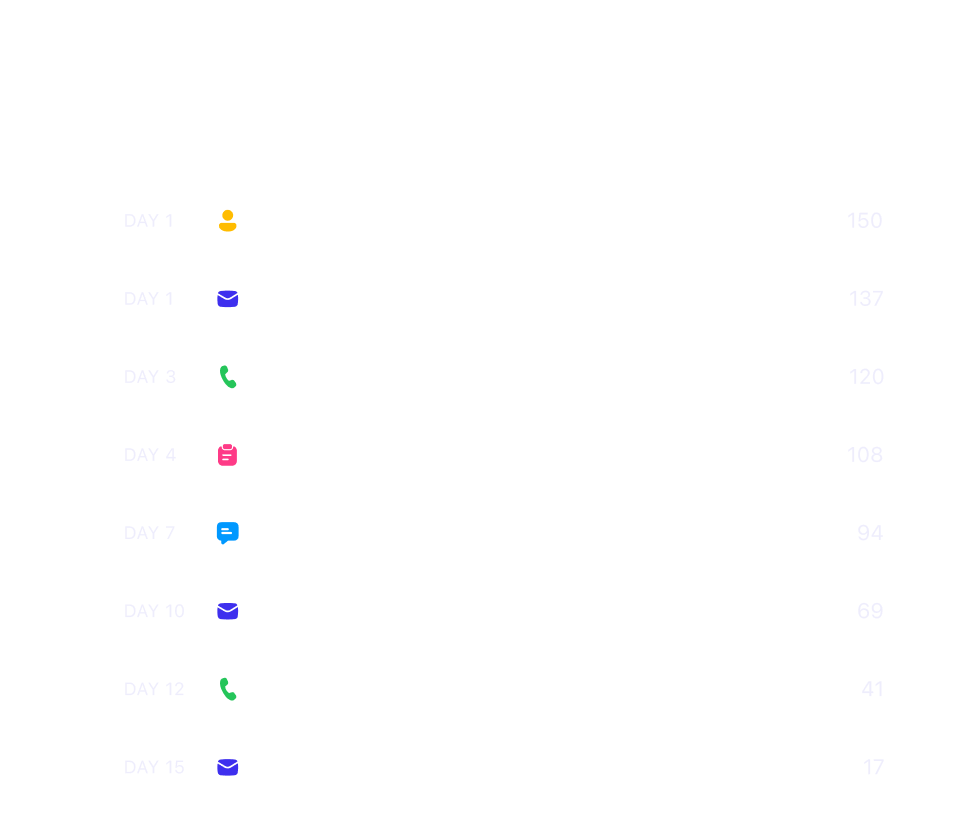
Churn Prevention
Spot red flags early. Create check-ins, renewals, or upsell workflows based on customer behavior—so you retain more accounts and grow existing ones.

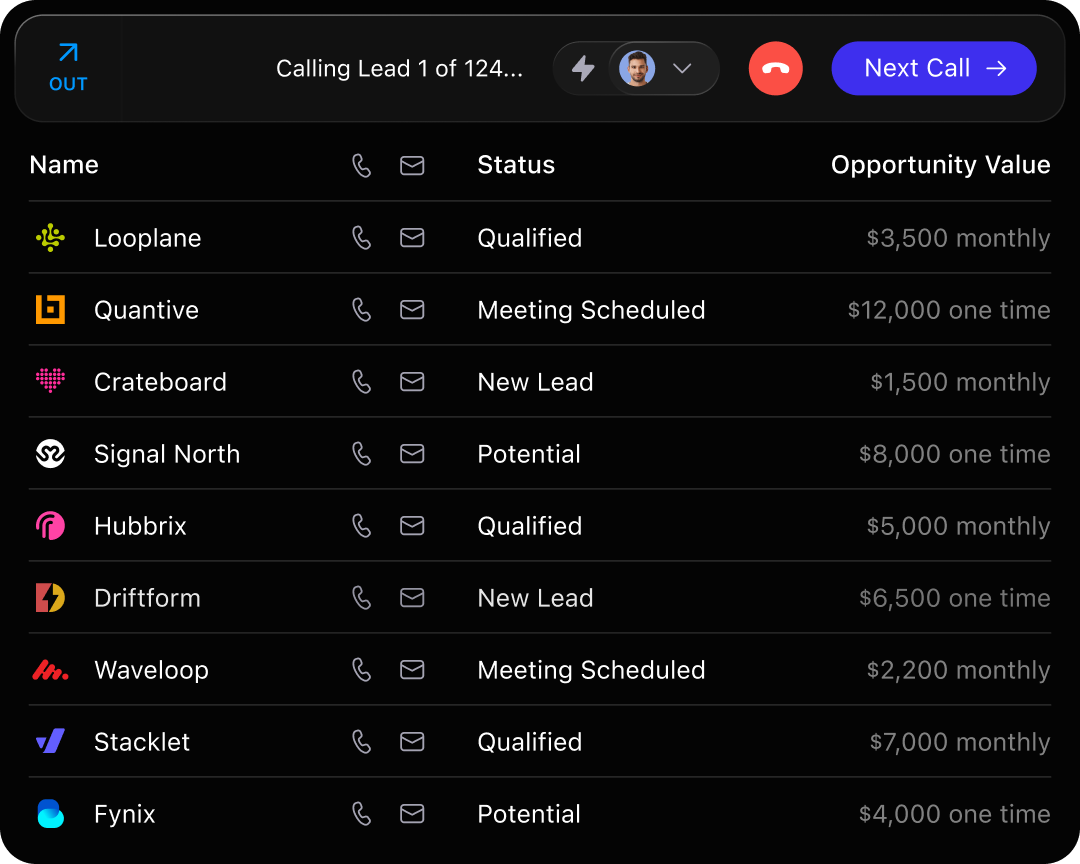

Automatically dials the next number in your list. No manual dialing.

Call multiple numbers at once, but connect only when a real person answers. High-volume calling, minus the wasted time.

Leave a pre-recorded voicemail with one click. Save your time and energy for the next call.

Get quick, AI-generated recaps of past interactions so you never start a conversation cold.

Notetaker transcribes and summarizes meetings and saves everything in the CRM.

Tweak tone, tighten messaging, shorten, or rewrite—all with the click of a button.

AI pulls key insights from your calls so you can revisit conversations without rewatching every minute.

Calls, emails, texts, and meetings are automatically logged—no manual input required.

See deal updates and lead activity in real time without chasing reps or digging through notes.

Automate follow-up sequences and reminders so no deal slips through the cracks.

Skip Google. Close enriches your leads with key info so you can start conversations faster.

98% of users say using Close saves them at least 3 hours each week of admin or manual work.
Closes' automation features, like email workflows and follow-up reminders, significantly reduce manual tasks, enabling me to focus more on closing deals.
Whether it's capturing, nurturing, or following up with leads, Close adapts flexibly to our unique processes and helps us streamline our workflow to a level that few other CRMs can match.


Try Close free for 14 days and see what selling feels like without the busywork. No credit card required.
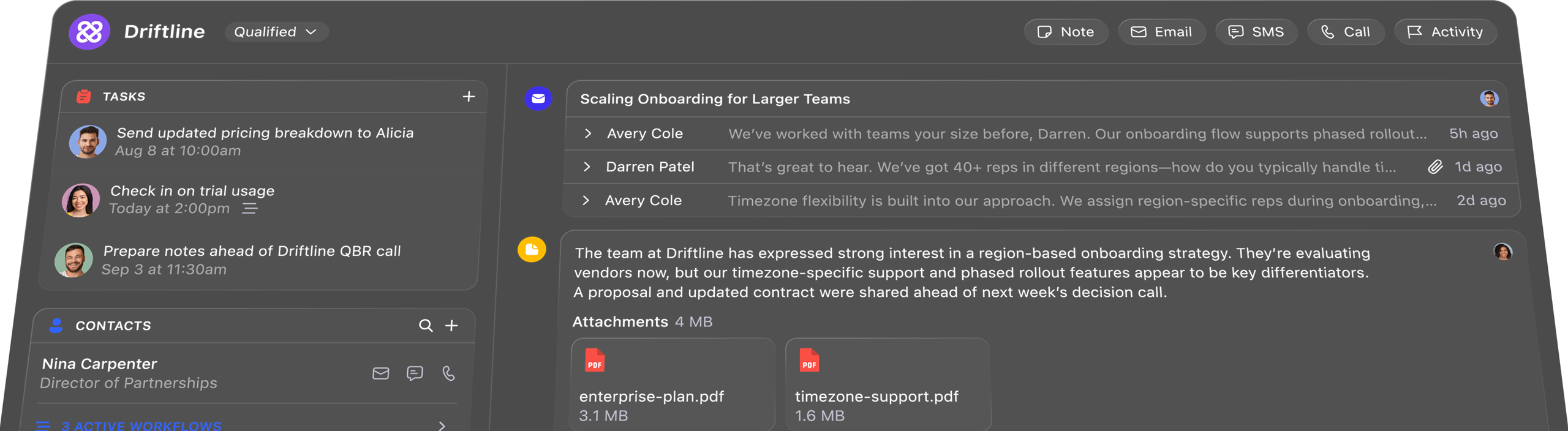

Close uses forms and automated email sequences, task reminders, and customizable workflows to keep follow-ups on track. You can trigger actions based on lead behavior—like new lead, email opens, or missed calls—so your team stays on top of every opportunity without manual tracking.

Absolutely. Close's automation features are fully customizable. You can set up workflows based on your unique sales pipeline and lead behaviors.

Unlike traditional CRMs that require heavy manual input, Close's automations are simple to manage, but powerful in action. You can run both communication Workflows (where you follow-up with leads via call, email, text, and more) and back-end CRM automations that keep your data clean, all in one place.

Yes. Close integrates with popular tools like Zapier, Slack, and Gmail, making it easy to connect your automation workflows across your sales stack.

Setting up automation is simple, with intuitive workflows and templates to get you started. No technical skills required—just set your triggers, and Close handles the rest.

All of Close's core automation features—workflows, task automation, and outreach sequences are included at no extra cost on the Professional (Growth) and higher plans. Lower plans like Solo/Base do not include these automation tools—so only Professional and Scale users get full automation access as part of their standard pricing. However, some advanced features are available as add-ons or are included only in higher-tier plans. AI Call Assistant is available as a paid add-on. Power Dialer is included in the Professional and Enterprise plans, while the Predictive Dialer is exclusive to Enterprise. For full details on pricing and available features, check out Close's pricing page.


