
Every sales team can agree that AI is helpful. Faster responses, fewer missed calls, less time wasted on long workflows. With the right AI solution, old problems start going away.
But when you start exploring those AI solutions and encounter a lot of new phrases. Voice agents. Chatbots. Virtual receptionists. What? Who? Suddenly, you have a new problem: understanding what all of these words mean.
From a technical engineering perspective, yes, there are clear differences between these three terms. Some are built for speed, others for “sales triage,” and others for fielding incoming calls. And unfortunately, too many sales teams only discover these differences after they pick the wrong tool and use it the wrong way.
Don’t be that sales team.
Below, we’ll provide the clarity you need to understand the differences between Voice Agents, Chatbots, and Virtual Receptionists. We’ll also explore what each one actually does, where each one shines, and how you can choose a CRM-native option to give you more awesome and less annoying.
What These Tools Actually are (In Plain English)
Nothing else makes sense until we start with some basic definitions. Here’s what these services are, and how they work.
Voice agents are AI systems that understand spoken language. They’re fully automated systems that use ASR (automatic speech recognition) to break down spoken language, hold natural conversations, and complete tasks on your behalf. A voice agent can have a real-time, two-way spoken conversation.
Then it can take actions (like updating your CRM or scheduling follow-up meetings) based on the conversation it had.
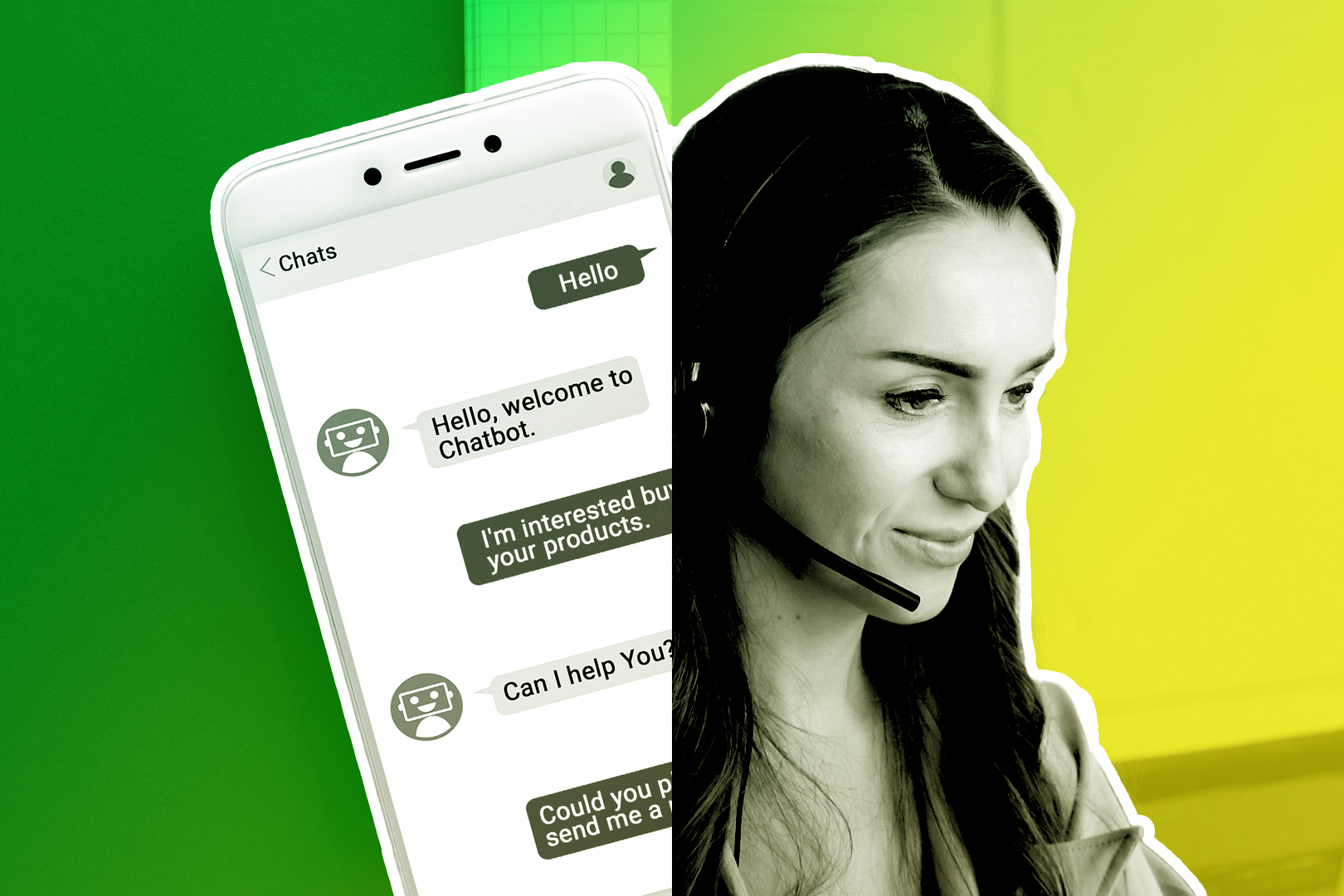
Chatbots are automated text-based systems (which can be pre-programmed or AI-powered) that talk to your users through text. Chatbots live in the worlds of web chats or messaging apps. Typically, they filter conversations through your FAQs or knowledge base. They’re most useful at offering quick responsiveness to incoming customers. Their top upside: instant availability, making your website seem more responsive to incoming questions.
Chatbots can also perform “sales triage” and send customers to the appropriate sales rep when none of the chatbot’s answers are helpful. What chatbots lack in subtlety, they make up for in speed.
Virtual receptionists are like a front-desk assistant, but one who doesn’t have to remain on-site. These are remote human operators, though they sometimes welcome the support of AI. Their job is to answer incoming calls, take down messages, and schedule appointments. They can also function as route callers within a sales team. Think of them as the front-desk staff—staff working from a remote location.
Now that you know what they are, let’s explore what they can do within a sales team.
- Voice agents typically work within sales teams with high call volumes and busy CRMs. If you feel “overextended,” voice agents can process phone calls into transcripts, reviewing overall buyer sentiment. As agents, they can even place calls on your behalf, scheduling follow-ups that fit neatly into your workflow without you having to lift another finger.
- Chatbots are big for “intake” for SaaS and ecommerce. If you need an especially responsive website to build credibility with customers, there’s simply no better option. Don’t expect them to make sales for you, however. They’re much better at sending a customer your way if there’s not an easy objection that your FAQ or knowledge base can handle.
- Virtual receptionists are better suited for service businesses. If you need the unmistakable vibe of a real person—or someone who can serve as a filter for human callers—they’re your best bet. They can also do some sales triage in the style of a chatbot, of course. But they’ll do it with a little more subtlety. If you want the illusion of a fully-staffed front desk, they’re your best bet. They function best when your sales intake is repeatable, highly transactional, and very simple.
Where Voice Agents vs. Chatbots. Vs. Virtual Receptionists Best Fit
Why CRM-Native Matters (And Why It Solves Half the Problems Above)
Notice something in common with all the pain points above? If these tools can’t fit in your CRM workflows, they can’t help you.
A chatbot captures a lead, but it won’t push it to your CRM.
A virtual receptionist offers a human touch, but forgets to log what your sales team needs.
A voice agent may keep transcripts stored, but in a separate dashboard—and one nobody checks.
Not good. These tools have to sit inside the CRM if they’re going to contribute to your sales team.
The good news is there’s an easy solution here. Bring them inside your CRM. Don’t keep them as separate add-ons, but build them natively to the CRM you use. This way, they’ll automatically fit within your established workflows. This has a few benefits:
- New touchpoints get logged automatically. If a voice agent reached out to a lead? If a chatbot had a meaningful new contact? Calls, chats, messages, lead info—they all go into your workflows as potential sales. And this happens automatically, which extends the scalability of your existing sales team.
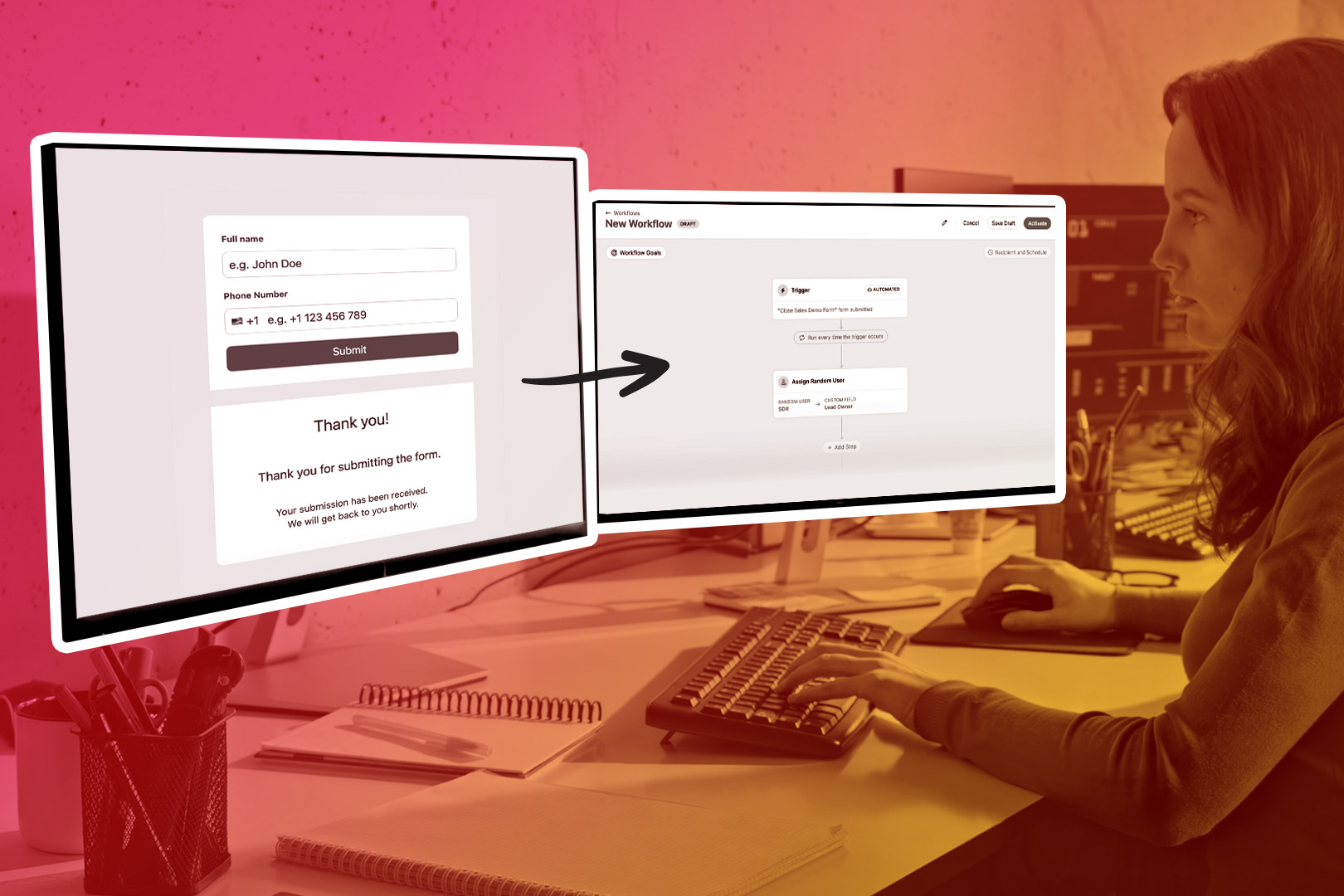
- Your handoffs stop breaking. The key to these tools will always be connection. Does a voice agent hand off a warm lead to someone on your sales team? Does a chatbot identify a potential lead and alert your CRM? An effective AI tool will go beyond answering questions. It should update your internal CRM records, assign leads to sales reps, and even trigger workflows.
- Sales teams start using the data. A voice agent can do a great job of reading customer sentiment and taking down that data. But if its dashboard is in a separate tool—and, gosh, you keep forgetting the password—that’s not very helpful. But if it adds searchable transcripts, summaries, tags, and timestamps to the same CRM your team always uses, you’ve got everything you need at your fingertips.
One additional advantage of integrating these tools into your CRM? AI will get smarter as it learns the context of your workflows. It learns your deal stages and logs your past conversations. You’ll accomplish more without having to hire new reps.
Done right, every tool has one thing in common: it should save you time. As you juggle fewer logins (thanks to CRM integration), there’s more time to focus on getting work done.
Ideally, you won’t find yourself scrambling in the team Slack as you ask: “Oh, that tool broke again? Let’s open a new tab and spend the next hour figuring out why, even though I could otherwise be making sales right now…”
Making the most of Voice Agents, Chatbots, and Virtual Receptionists
When you boil it all down, most teams just need something basic: more time. And while voice agents, chatbots, and virtual receptionists are all designed to save you time, you might find yourself spending more time making them work if you don’t know which tools are best for which tasks.
This process is simpler than you might imagine. Pick the right tool for the right task. Ask your sales team what their top priority is for making your CRM more efficient right now. Then come back to this page and have another glance at our table. Which solution is the biggest shortcut for you right now? Then you can start integrating it with your CRM.
Fortunately, that’s the easy part. Try a free trial of Close to see how easy it can be to integrate these tools into your existing workflows.
Frequently Asked Questions (FAQs)
1. What's the main difference between voice agents, chatbots, and virtual receptionists?
Voice agents are AI systems that handle real-time spoken conversations using automatic speech recognition, ideal for high-volume phone calls. Chatbots are text-based automated systems that live on websites or messaging apps, perfect for instant FAQ responses and lead capture. Virtual receptionists are real human operators working remotely who answer calls and provide a personal touch, best suited for service businesses where customers expect human interaction.
2. Which should I choose: a voice agent, chatbot, or virtual receptionist?
Choose a voice agent if you have high call volumes and need to scale without adding headcount. They excel at processing calls, logging sentiment, and scheduling follow-ups. Pick a chatbot if you run a SaaS or eCommerce business and need instant website responsiveness for FAQs and lead capture. Go with a virtual receptionist if you're a service-based business (medical, legal, agency) where customers expect and value the human touch, and your call volume is steady but not overwhelming.
3. Why does CRM integration matter for voice agents, chatbots, and virtual receptionists?
Without CRM integration, these tools can't help your sales team effectively. A voice agent that stores transcripts in a separate dashboard nobody checks won't drive results. A chatbot that captures leads but doesn't push them to your CRM creates extra work. A virtual receptionist who forgets to log critical details leaves gaps in your workflow. CRM-native tools automatically log touchpoints, enable smooth handoffs, and give your team immediate access to searchable data—extending your sales team's scalability without adding manual work.
4. Will voice agents, chatbots, or virtual receptionists replace my sales team?
No. These tools are designed to extend your team's capacity, not replace them. Voice agents handle routine calls and scheduling so your reps can focus on closing deals. Chatbots manage FAQs and triage leads, sending qualified prospects to your team. Virtual receptionists provide front-desk coverage for simple, repeatable tasks. Think of them as force multipliers that free your human team to handle complex, high-value interactions that require nuance, empathy, and relationship-building.