
The first company to respond to a prospect usually wins. But if a demo request sits for 60 minutes, that “hot lead” is already ice cold.
Most missed revenue doesn’t happen because marketing failed—it happens because follow-up broke.
Kommt Ihnen das bekannt vor?
Getting leads isn’t usually the problem for most inbound teams. It’s all about what happens after someone fills out that form.
A prospect raises their hand and then … the lead sits unassigned. It happens often. (We know because we’ve tested it.) Follow-up is delayed. Or worse, no one’s quite sure who owns it.
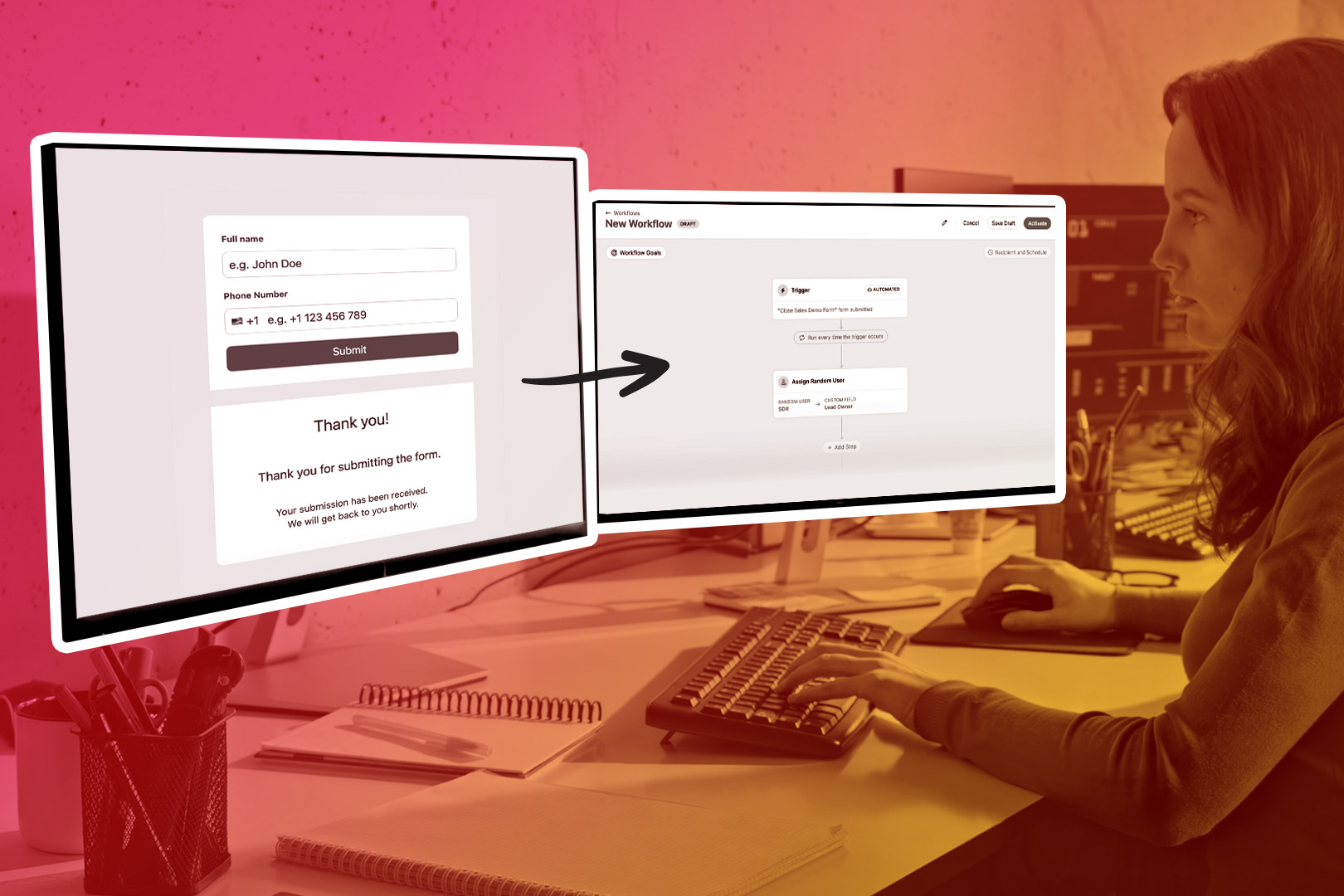
Close Forms solves the first problem by instantly getting leads into Close.
Workflows solve the second by making sure something happens the moment the lead arrives.
Together, these features automatically turn a form submission into the first step of your inbound sales process.
Let’s talk about how it works and how you can turn this on for your team.
Why Forms + Workflows are Better Together
Creating a lead is usually the easy part. Speed and consistency are where teams struggle.
When Close customers connect Forms to Workflows, they’re able to:
- Remove manual lead routing
- Standardize how inbound leads enter the pipeline
- Trigger immediate follow-up without relying on memory
Instead of reps having to watch for new leads, Close handles it for them.
Here’s an example:
An ICP requests a demo through your Close Form on a landing page. The Workflow instantly:
- Assigns the lead to an SDR/Setter
- Sets status to Potential
- Creates a call task due in 5 minutes
- Sends an internal Slack notification
- SDR/Setter calls within 5 minutes
Boom. Speed to lead = fast.
From Submission to First Touch (Step by Step)
Here’s how this typically works for Close customers running an inbound sales motion.
Step 1: A Prospect Submits a Close Form
A visitor fills out a form on your website: a demo request, contact form, or inbound inquiry.
As soon as they submit:
- A new lead is created in Close (or an existing one is updated)
- Submitted fields map directly to the lead record
- Built-in safeguards help prevent duplicates and keep data clean
No integrations to babysit. No sync delays.
At this point, the lead exists— great! But the real feature value comes next.
Step 2: Use the Form Submission as a Workflow Trigger
Close includes a Form Submitted trigger in Workflows.
This lets you define a simple rule: When this specific form is submitted, run this Workflow.
You can apply this to a single form or multiple forms, and optionally add filters to achieve different behavior based on form responses.
This is what turns passive lead capture into an active process.
Step 3: Automatically Assign the Lead
Ownership shouldn’t be a guessing game.
With Workflows, you can:
- Assign the lead to a specific owner
- Distribute leads evenly across your team
- Route leads to a group like SDRs or inbound reps
Assignment happens instantly, so every lead has a clear owner the moment it enters your CRM.
Step 4: Set the Lead Status Automatically
Next, you can standardize how inbound leads enter your pipeline.
Zum Beispiel:
- Set the lead status to Potential
- Ensure every form submission starts in the same state
This keeps your pipeline organized and makes reporting and prioritization easier as volume grows.
Step 5: Queue the First Follow-Up Right Away
Fast response time matters, but it shouldn’t depend on someone remembering to act.
With Workflows, Close can automatically:
- Create a call task, send an email or SMS for the assigned owner
- Queue it immediately after the form submission
When a rep opens Close, their next action is already waiting for them.
What Changes Once This Is Live
Once this setup is in place, Close customers typically notice:
- Faster response times to inbound leads
- Fewer dropped or forgotten submissions
- More consistent inbound handling across the team
- Less manual CRM cleanup
And because it’s automated, it keeps working as your team and lead volume grow.
Common Mistakes to Avoid
Here are some pro tips to keep in mind before getting started.
Avoid:
- Assigning leads but not creating a follow-up task
- Creating a task but no clear owner
- Routing logic that’s too complex too early
- Scheduling follow-up “tomorrow” instead of immediately
Ready to Put This Into Practice?
If you’re already using Close Forms, connecting them to a Workflow only takes a few minutes and can have an outsized impact on your inbound process.
If you’re new to Forms, start by capturing leads cleanly in Close. Then layer in Workflows to automate what happens next.
Speed to lead isn’t about hustle. It’s about building a system that responds the moment someone raises their hand.
If you’re not a Close customer yet, you can try this end-to-end with a free trial. Build a form, connect it to a workflow, and see how quickly your team responds when everything lives in one place.